
Manage list of chat widgets
Learn how to view, edit, and organize all the chat widgets you’ve created in one place.
To manage your chat widgets, you can go to the chat widget list page by clicking the menu icon as shown below
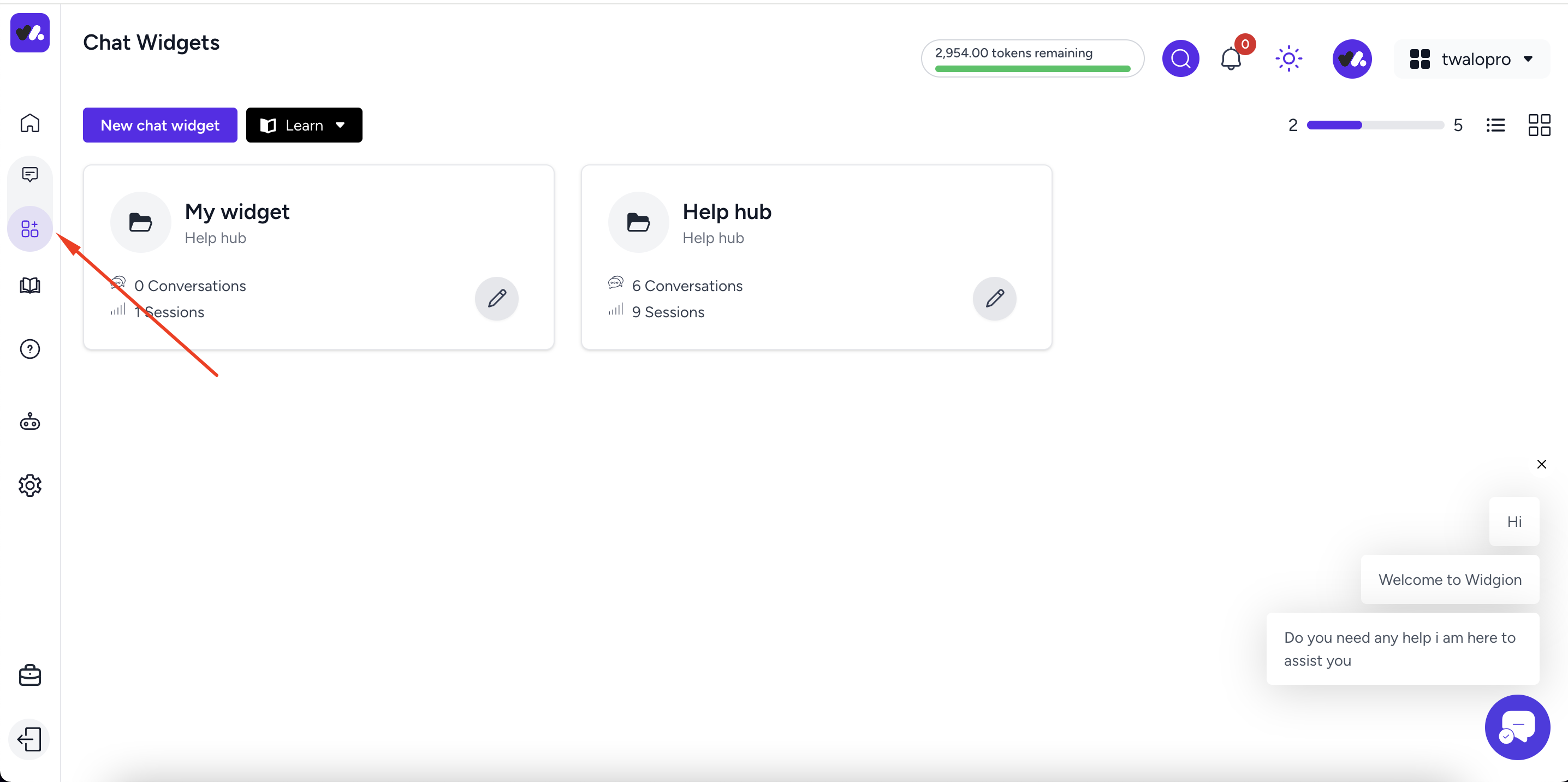 On this page you can create new widget , delete old widget or navigate to the widget dedicated page, to navigate to the widget page just click on the widget title. Also if you will like to see the list in a list view click the list view icon on the right as shown below
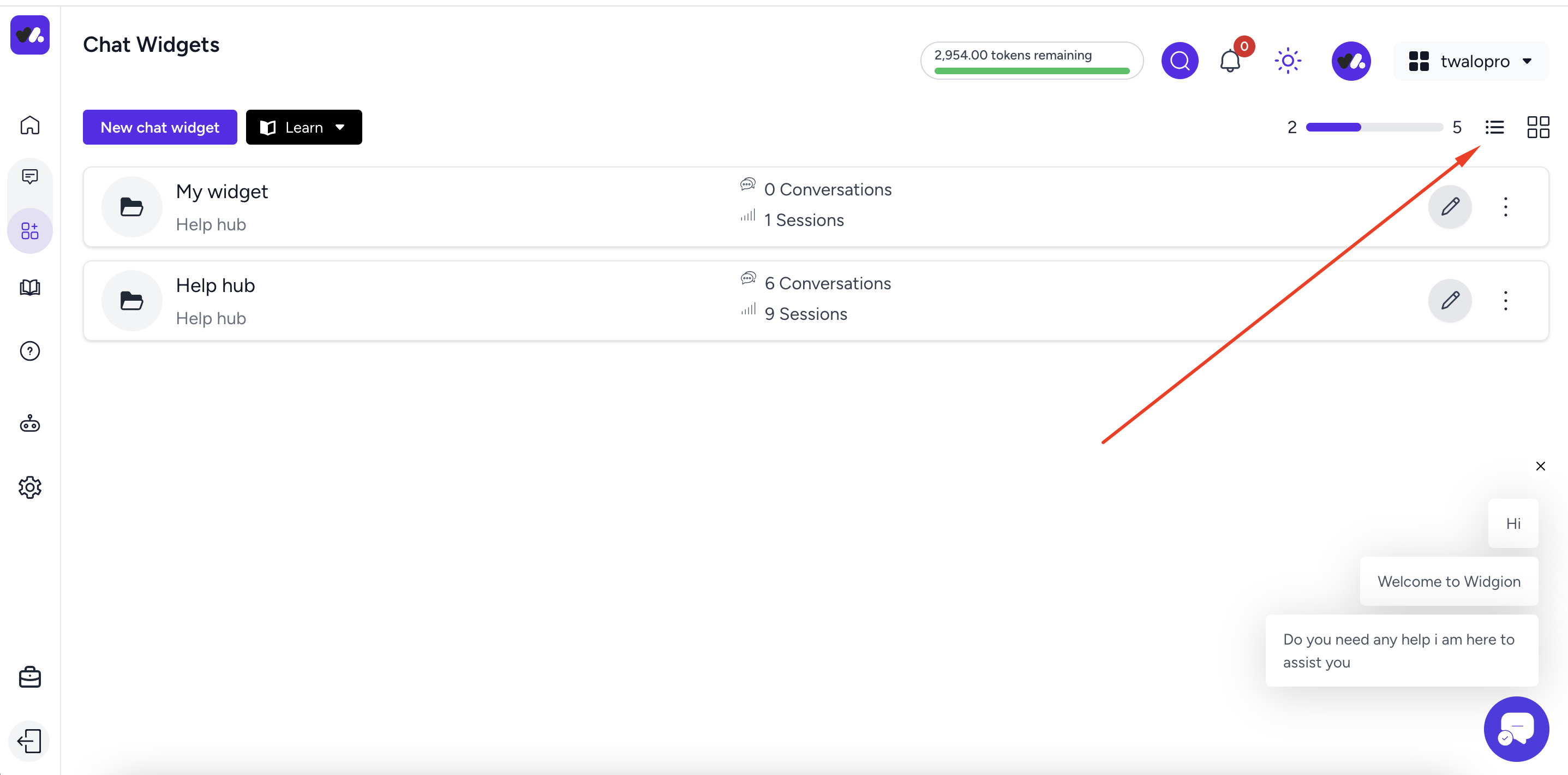
to switch back to the grid view click the grid icon , you can read more on how to create your chat widget here
Did this answer your question?
👍
👎
0 Likes
0 Unlikes