
How Widgion Works
Learn how Widgion’s core components—projects, widgets, AI training, and analytics—work together to power your customer support system.
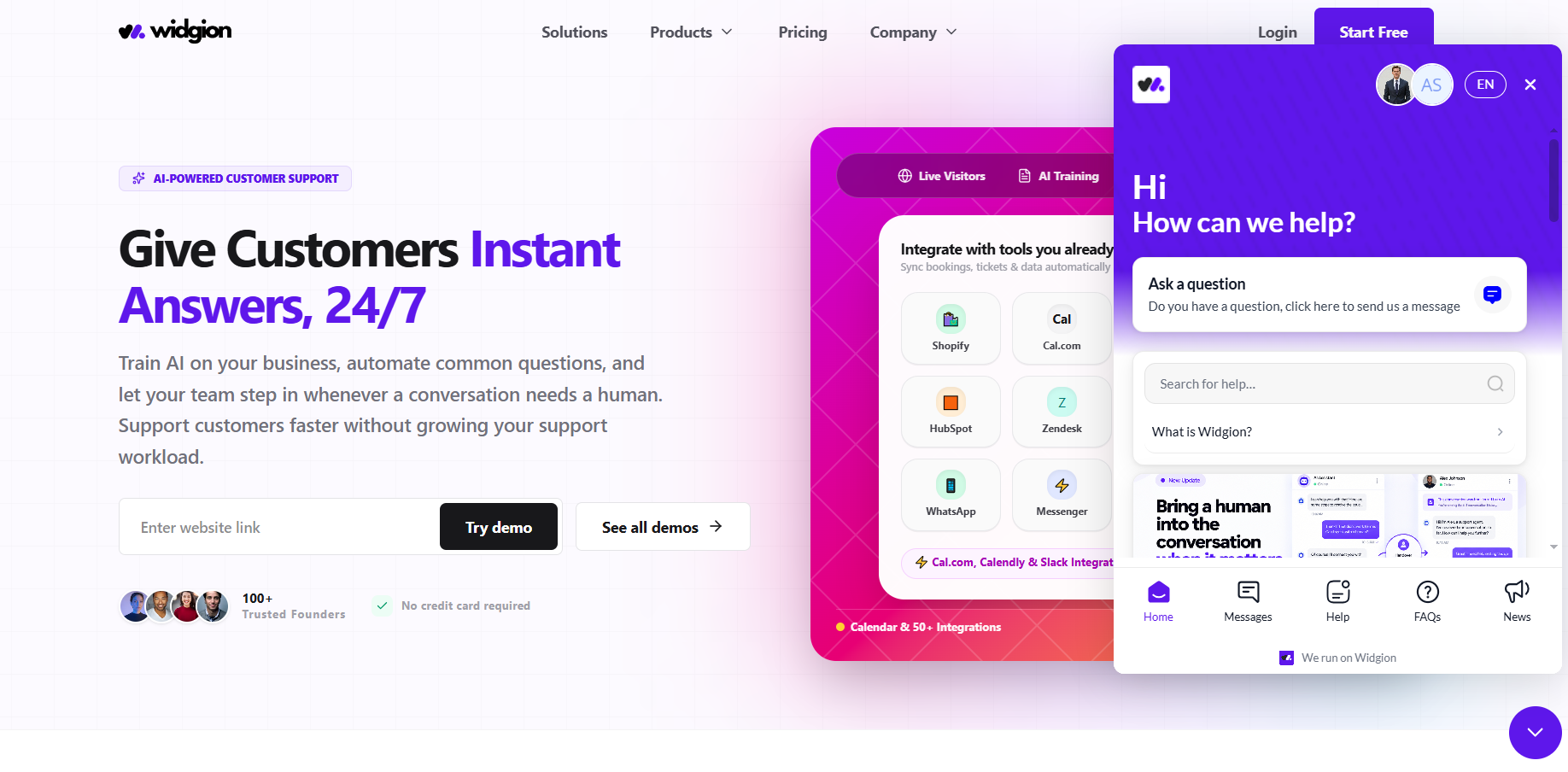
Widgion operates as an all-in-one customer support system that combines AI chat, FAQs, a help center, and updates into a single platform. These components work together to deliver fast, AI-powered responses across your website and messaging channels, while also enabling you to capture and convert leads in real time.
By bringing everything into one place, Widgion removes the need for separate support tools and simplifies how you manage user interactions. It allows you to support users efficiently, engage visitors at the right moment, and turn conversations into meaningful opportunities.
The Problem Widgion Solves
Most websites struggle to balance effective support with meaningful conversions. Users often can’t find answers quickly, visitors leave without taking action, and teams spend valuable time responding to repetitive questions, making it harder to deliver a consistent experience.
At the same time, support tools are often scattered across different platforms, and scaling support typically leads to higher costs. Widgion addresses this by bringing support, automation, and lead capture into one unified system, helping you respond faster, reduce manual effort, and convert more visitors without increasing overhead.
How Widgion Works
Widgion operates through six connected components: Projects, Widgets, AI Training, Contact Center, Audience, and Analytics. Projects act as the central hub where you organize and manage your entire support system, while Widgets such as AI Chat, FAQs, Help Center, and updates are the tools your customers interact with across your website and channels.
AI Training powers the platform by using your content to generate accurate and helpful responses. Contact Center is where conversations actually happen, giving your team visibility into visitors, incoming requests, and ongoing chats, with tools like AI Copilot to help agents respond faster when a conversation needs a human touch. Audience stores the leads and contacts captured through your widgets and conversations, giving you a structured view of who you're talking to. Analytics then provides insights into performance across all of this, helping you understand usage and continuously improve your support experience over time.
What You Can Do With Widgion
Widgion enables you to deliver AI-powered support by adding smart widgets to your website, automating responses to common questions, and training your AI using your own content. These capabilities allow you to provide instant, accurate answers while maintaining control over how your support experience is delivered.
It also allows you to capture leads directly from conversations, track how users interact with your support system, and refine your responses using real usage data. This ensures your support not only resolves questions efficiently but also improves over time and contributes to better engagement and conversions.
How It All Connects
Widgion operates through a continuous workflow that connects Projects, AI Training, Widgets, Contact Center, Audience, and Analytics into a single system. You start by creating a project, training your AI with your content, and deploying widgets that engage users across your website and channels.
As users interact with your widgets, your AI delivers instant responses while capturing leads into your Audience, and conversations that need a human touch flow into your Contact Center, where your team can respond directly or lean on tools like AI Copilot for support. Analytics provides insight into performance and behaviour across every part of this system. This feedback loop helps you refine your system over time, allowing it to become more accurate, effective, and aligned with your support and conversion goals.
Why use Widgion?
Widgion is designed to help you deliver consistent, AI-powered support while improving how you engage and convert users. It enables you to provide instant, 24/7 responses, capture and convert leads automatically, and reduce the time spent handling repetitive questions.
By centralizing your support system, Widgion helps maintain accuracy across interactions and simplifies how you manage user communication. This allows you to scale your support efficiently without increasing operational costs, while delivering a better overall experience for your users.
Start Building Your Support System
You don’t need multiple tools or a complicated setup. Create a project, add your content, and deploy your first widget. Widgion handles the rest.
Did this answer your question?
What was missing or unclear?
Thank you for your feedback!
Your input helps us make this article better.
Still need help?
Contact support →Related articles
What is Widgion?
A complete introduction to Widgion, including its purpose, key features, and how it replaces multiple support tools with one unified platform.
Navigating the Dashboard
A detailed walkthrough of the Widgion dashboard, including where to find tools, settings, and key features.
Adding, Editing, and Managing Contact Data
Handles actions like adding contacts, editing details, deleting, and exporting.
Understanding Contact Types (Users, Guests, and Custom Lists)
Explains the difference between Users, Guests, and Custom Lists, and how each is used within the platform.
On this page