
Introduction to Chat Widget
Overview of the chat widget, its features, and how it enhances customer communication.
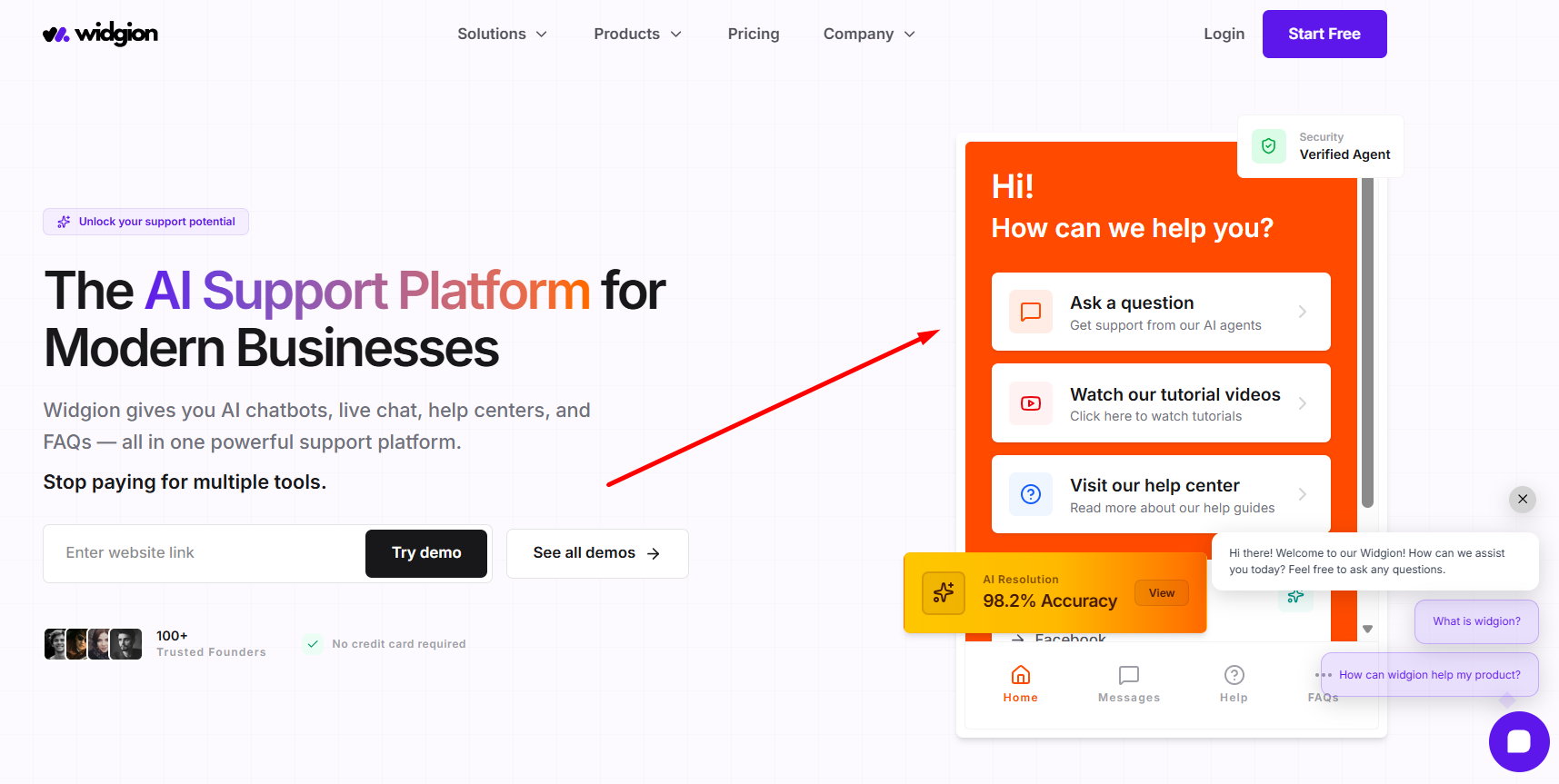
The Chat Widget serves as the primary interaction layer in Widgion, connecting real-time conversations with your entire support ecosystem. It combines AI-powered chat with structured resources such as FAQs, knowledgebase articles, and product updates, allowing users to ask questions, browse content, and find answers instantly within a single interface.
It operates as a fully customizable system where you control how users enter and interact with your support experience — from launcher button behavior and prompt messages to styling and content delivery. As users engage with the widget, AI generates responses, surfaces relevant information, and captures leads, while built-in tools help you guide interactions and continuously improve performance over time.
What the Chat Widget Does
The Chat Widget enables you to engage visitors in real time while giving them multiple ways to find answers. It allows users to ask questions, explore FAQs, search knowledgebase articles, and view updates without leaving your website, reducing friction and improving response speed.
It also helps you capture leads, guide user actions, and automate responses, making it a central tool for both support and conversion. This approach improves customer communication by making support faster, more accessible, and more consistent across every interaction.
Key Components of the Chat Widget
The Chat Widget is made up of several connected elements that work together to deliver a complete experience.
The launcher button acts as the entry point, allowing users to open the widget from your website. Inside, the chat interface handles conversations, while content sources such as FAQs, knowledgebase articles, and updates provide structured information. Prompt messages and triggers help initiate conversations and guide users, ensuring they get relevant assistance at the right time.
How It Fits Into Widgion
The Chat Widget works closely with the rest of the Widgion system. It uses your AI Training to generate accurate responses based on your content and relies on Analytics to track interactions and improve performance over time.
This connection ensures that every interaction is informed, consistent, and continuously optimized.
What You’ll Learn in This Section
In this section, you’ll learn how to set up, customize, and optimize your chat widget. This includes configuring appearance, setting up lead collection, creating prompts and triggers, enabling advanced features, and installing the widget on your website.
Did this answer your question?
What was missing or unclear?
Thank you for your feedback!
Your input helps us make this article better.
Still need help?
Contact support →Related articles
Installing the Chat Widget on Your Website
Step-by-step guide to embedding the chat widget on your website.
Classic vs Modern Chat Widget
Compare both widget types and choose the best option for your business needs.
Using Custom Forms in Chat
Create interactive forms to collect structured data during conversations.
Customizing Chat Appearance
Learn how to adjust colors, launcher icons, themes, and positioning to match your brand.
On this page