
Introduction to FAQ Widget
Overview of how the widget works
The FAQ Widget in Widgion lets you display frequently asked questions directly within your website or support experience. It gives visitors a quick way to find answers to common questions without needing to start a conversation with your support team.
What is the FAQ Widget?
The FAQ Widget displays your configured frequently asked questions in a simple, organized format. Users can browse the available questions and open an item to view its answer.
How the FAQ Widget Works
FAQ content is managed within Widgion and displayed through the widget. Questions are organized into groups, making it easier to structure and present related information.
Users can browse the available FAQ groups and select a question to view its answer directly within the widget.
Managing FAQs
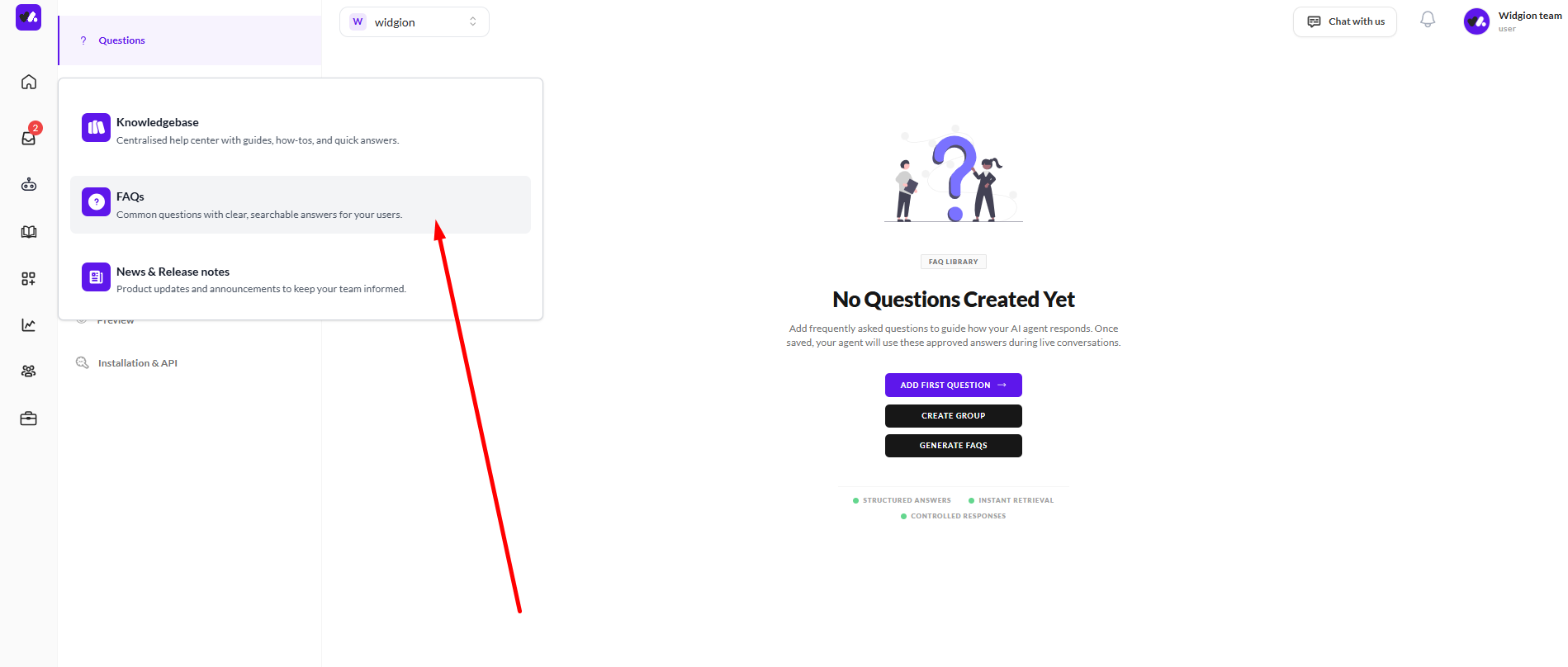
From the Questions section, you can create and manage your FAQ content. FAQs can be organized into groups such as Integrations, Troubleshooting & Support, Contacts Management, Human Support & Conversations, Analytics & Insights, Help Center, AI Training & Automation, and Chat Widget.
This makes it easier to keep your FAQ content organized and ensure visitors can find relevant answers quickly.
Keeping Your FAQs Up to Date
As your product and support content changes, you can update your FAQ questions and groups from Widgion. Keeping this content current ensures visitors have access to relevant and accurate answers.
This gives users a simple way to find information while keeping commonly requested answers readily available within your support experience.
Did this answer your question?
What was missing or unclear?
Thank you for your feedback!
Your input helps us make this article better.
Still need help?
Contact support →Related articles
Introduction to News & Release Widgets
Overview of how the Widget works
Introduction to Knowledgebase Widget
Overview of how the widget works.
Adding, Editing, and Managing Contact Data
Handles actions like adding contacts, editing details, deleting, and exporting.
Understanding Contact Types (Users, Guests, and Custom Lists)
Explains the difference between Users, Guests, and Custom Lists, and how each is used within the platform.
On this page