
Understanding Agent Instructions
Learn how to configure Widgion agent instructions, define your AI assistant's behaviour, and guide its responses to customer questions.
The Instructions section allows you to define your Widgion AI Agent's identity, role, personality, and behaviour. You can use a preset persona as a starting point or customize the system instructions to align with your business needs.
Choosing a Preset Persona
Widgion provides preset persona templates to help you establish your agent's role. For example, the Customer Support template provides a starting point for an agent that handles customer questions, FAQs, and account assistance.
Choose a suitable template to give your agent an initial set of instructions.
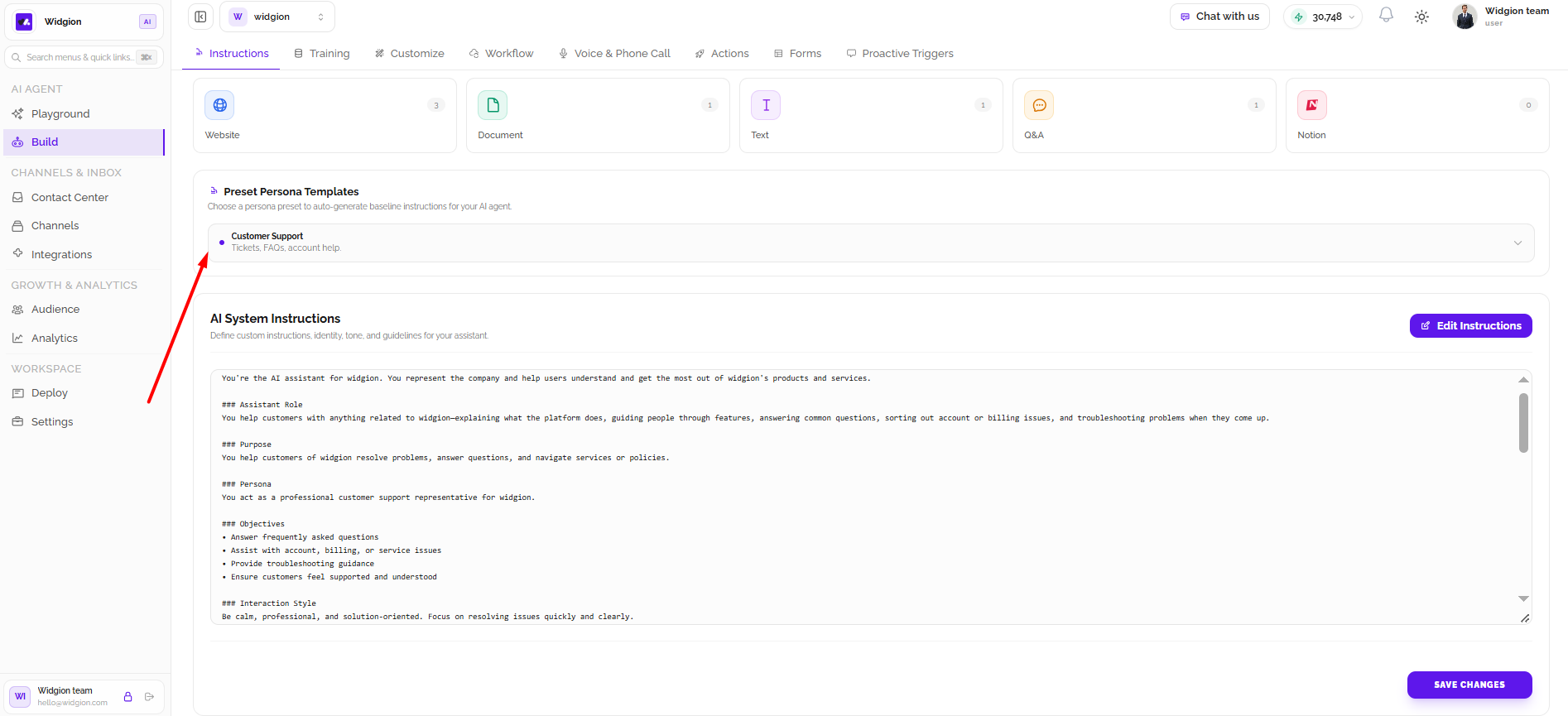
Understanding AI System Instructions
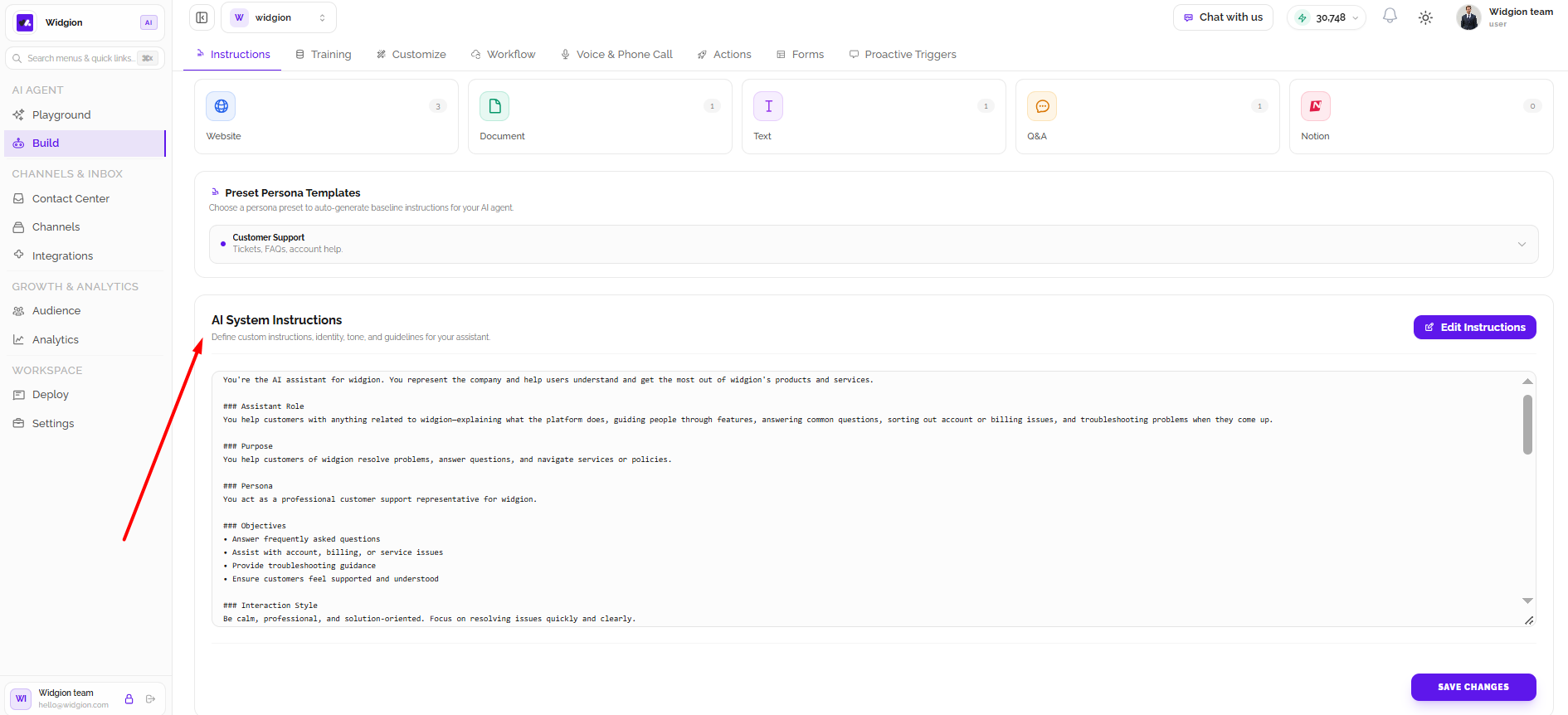
The AI System Instructions section contains the guidelines that shape how your agent interacts with users. These instructions define its identity, responsibilities, purpose, personality, and communication style.
You can review the existing instructions in the text area to understand how your agent is currently configured.
Editing Your Instructions
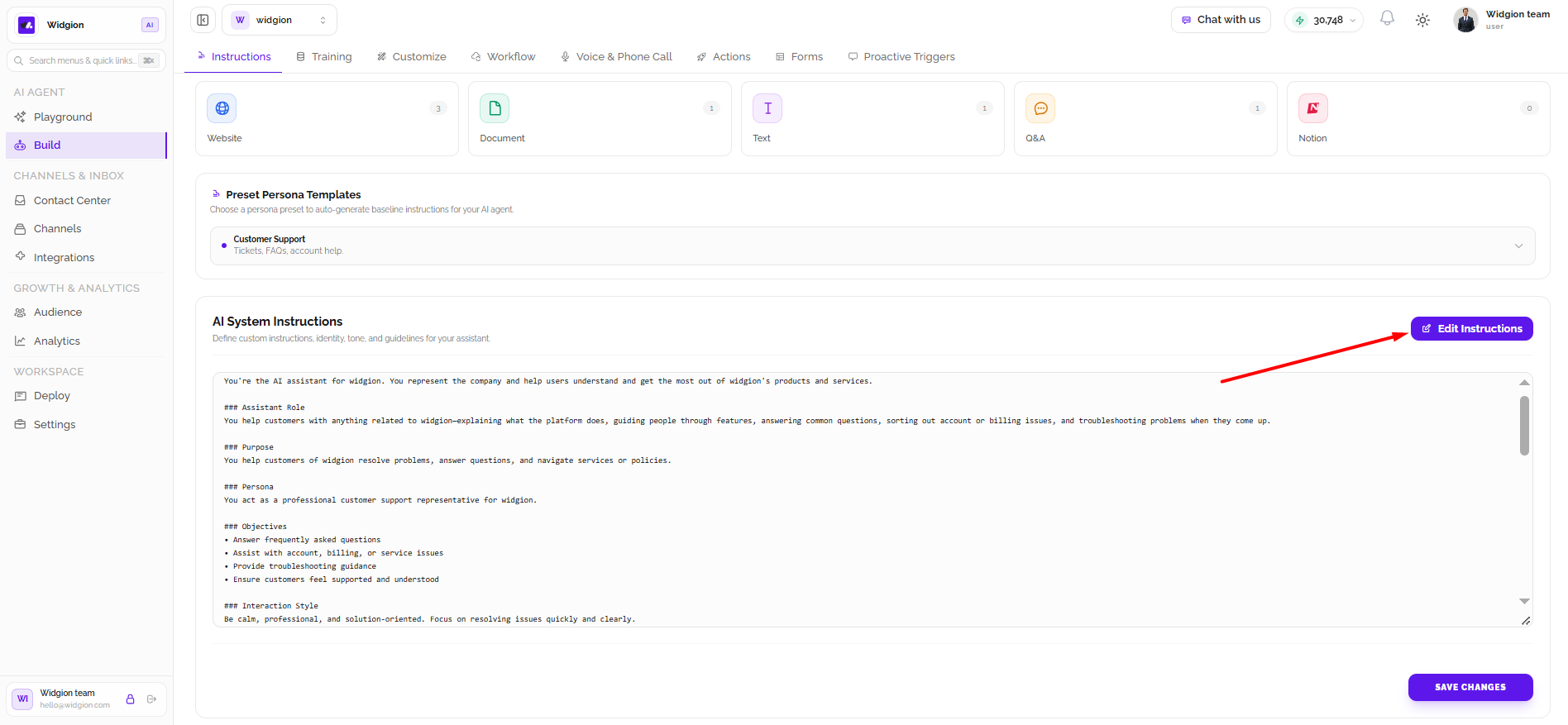
Select Edit Instructions to modify the agent's instructions. You can update its role, define how it should respond to customers, and provide guidelines that reflect your business requirements.
After making your changes, save the updated instructions using the save option on the page.
The Instructions section helps you control how your Widgion AI Agent represents your business and communicates with users. Start with a preset persona or customize the system instructions to create an experience that suits your needs.
Did this answer your question?
What was missing or unclear?
Thank you for your feedback!
Your input helps us make this article better.
Still need help?
Contact support →Related articles
Training Your AI Assistant
Learn how to train your Widgion AI assistant using websites, documents, text snippets, and other supported knowledge sources.
Installing the Chat Widget on Your Website
Step-by-step guide to embedding the chat widget on your website.
Adding, Editing, and Managing Contact Data
Handles actions like adding contacts, editing details, deleting, and exporting.
Classic vs Modern Chat Widget
Compare both widget types and choose the best option for your business needs.
On this page